Proudly Canadian Owned & Operated
Get Help: 1 (866) 482-2412
LOG IN

Create your FUEL GOOD DAY account

Manage your location's Fuel Good Day signups and order your kits and swag from a single location. 

Great news! FCL has partnered with PostNow to make managing Fuel Good Day quicker and easier. 
 

How this works for you:

After creating (or resetting) an account, you can manage the involvement of your various Gas Bar & Cardlock locations in the Fuel Good Day program. 
  • Quickly enroll locations. 
  • Search for approved charities, or add your own. 
  • Order POP Kits, including customization, in minutes.
  • Order Call to Order (CTO) items for each location. 
  • Manage your locations and orders.

Watch the Co-Op FGD demo to see how quickly PostNow enrolls and orders for the upcoming Fuel Good Day. 
Create Account
Log In

GET STARTED: Create a PostNow Account.

Enter the required information. Your account will be verified and full access provided within 1-business day. 

Already have an account? Log In

Enter your log in details below to access the FCL Portal. 
[coop_login_form redirect_url="https://postnow.ca/coop-dashboard/"]

Trust & Value Content

This is a block of text. Double-click this text to edit it.

Online Tools to Manage Fuel Good Day 2024

Use the online tools to enroll and order your items for the 2024 Fuel Good Day. 

1. Enroll Your Locations

Step 1 is to add your locations that are participating.

2. Select a Charity

Choose a charity for each location, or the same for all. 

3. Order POP Kits

Choose your Point of Purchase Kits and add customizations.

4. Order CTO Items

Add T-shirts, hats and other CTO items to your order. 
Your Kits and CTO items will be shipped after all orders are received. Billing will be handled at time of shipping. 

Fuel Good Day Walkthrough Video

Watch a short video demonstration on how to add, order and manage your Gas Bar locations for the upcoming Fuel Good Day. 

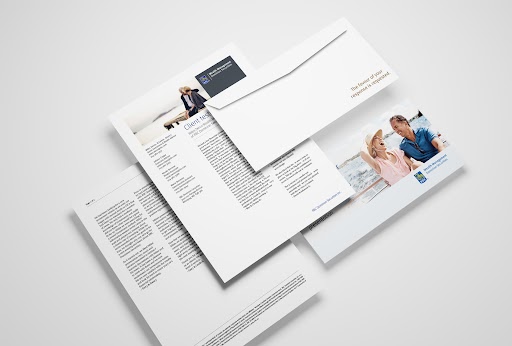
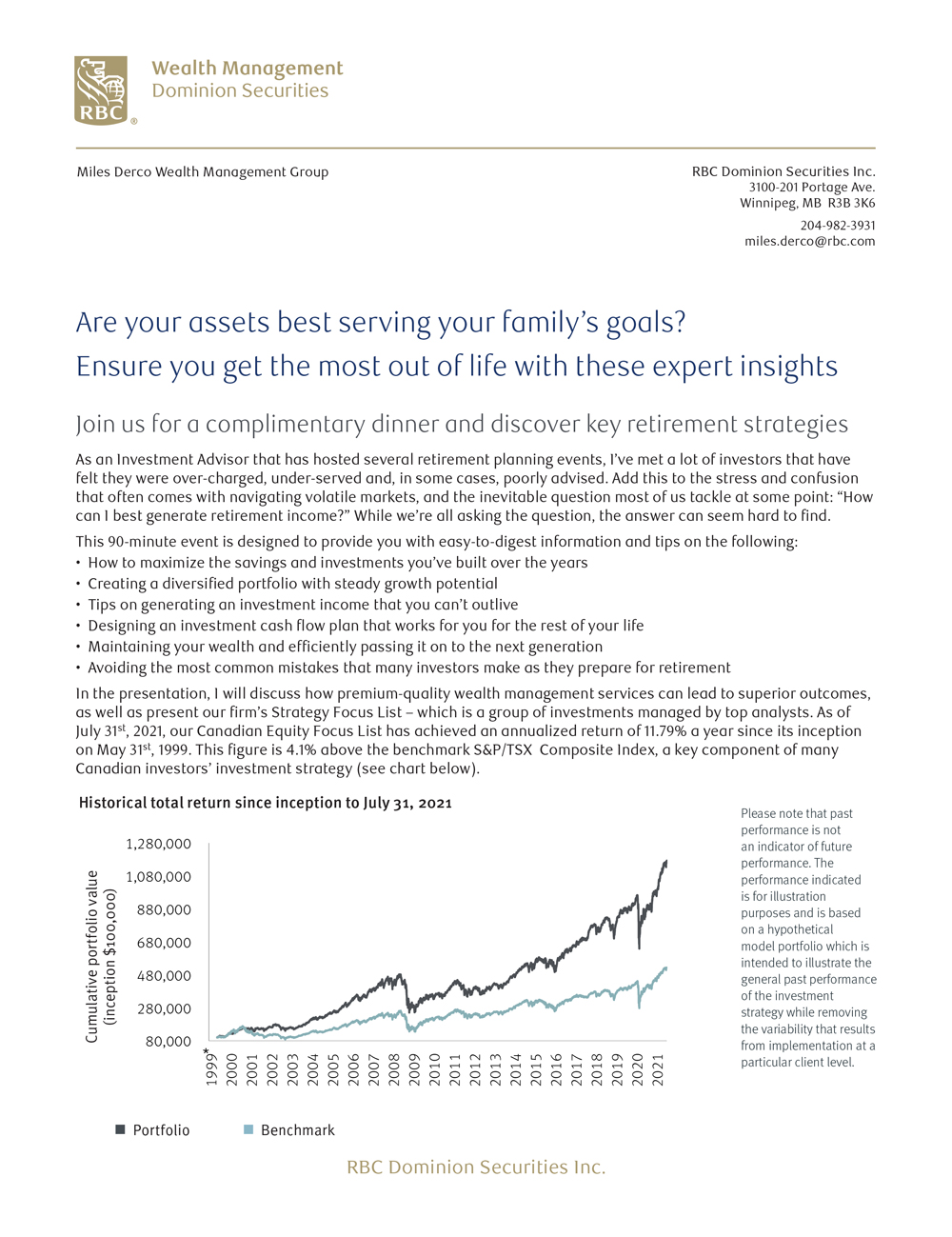
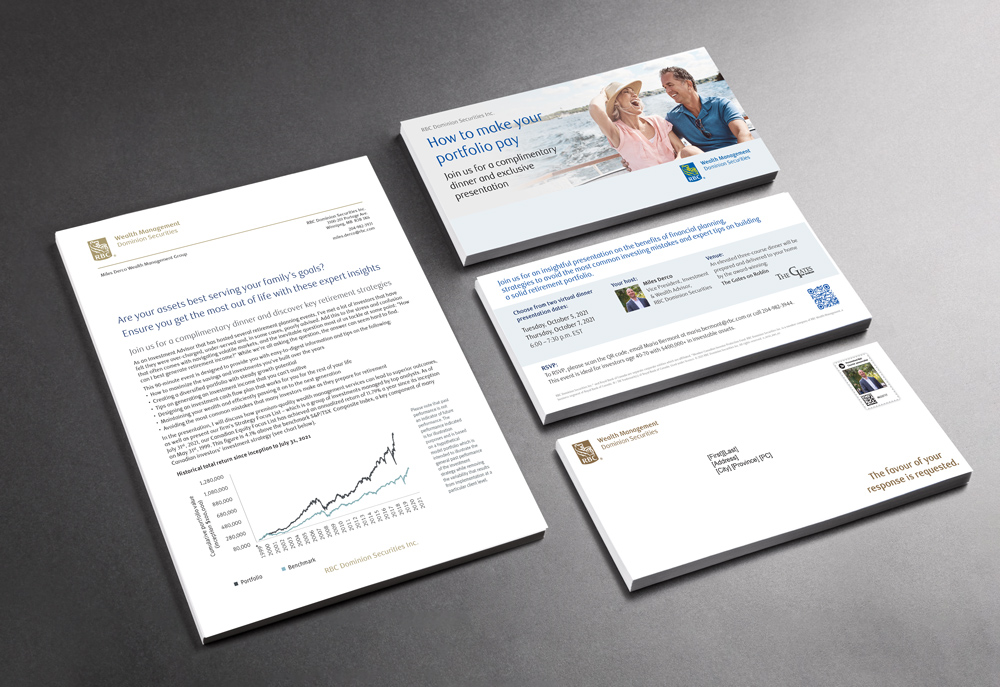
Direct Mail Template Samples for RBC DS

FUEL GOOD DAY FAQs

The new platform for managing FGD is meant to make your lives easier with faster enrollment and ordering. Here are answers to questions you may have on how to make the most out of the PostNow platform.

My Assoc. ID & Name are missing from my account. What do I do?

If you already had an account on PostNow (from the Husky/Co-op switchover) you may not have had the association and ID added to your account. Please contact us and provide the appropriate information for us to update your account

Live chat or a phone call is the fastest way to update this. You can use the contact form to send us the info outside of office hours.

How do I control the emails I’m getting?

If you receive too many emails from the system, it’s likely because of how many locations you have to manage. Each enrolled location and each order (POP Kits or Call to Oder items) will generate an email.

We recommend creating a filter/rule to send these emails to a folder automatically when you receive them. All email are sent from coop@postnow.ca.

Your email platform will determine the process you need to take. Here are the instructions to do it with Outlook and Gmail:

Create Rule in Outlook

Create Gmail Filter

Can I bulk-order CTO items for locations?

Yes, you can order all your Call To Order items to a single location to distribute as you please. Or, place orders at several locations; it’s all up to you. This will save you shipping vs. sending to each location.

Simply place the CTO order for the location to which the items are to be shipped and CO-OP and it’s partner will take care of it for you.

How do I share access to my Co-op Association account on PostNow

Hmm, looks like this content is not available to you.

© Copyright PostNow 1997 - 2026
menuchevron-down
linkedin facebook pinterest youtube rss twitter instagram facebook-blank rss-blank linkedin-blank pinterest youtube twitter instagram